This document provides detailed instructions for accessing the Bosch IoT Rollouts console, available in both the EU and US regions. Follow the steps outlined in this guide to ensure a smooth login experience.
Accessing the Login page
To begin, choose the appropriate environment for your login:
- EU Region: https://console.eu1.bosch-iot-rollouts.com
- US Region: https://console.us1.bosch-iot-rollouts.com
Make sure you select the correct link for your region to avoid access issues.
Log in with IdP Hints
You can specify identity provider (IdP) hints to streamline your login process. Use the following format for the URL:
https://console.eu1.bosch-iot-rollouts.com?idp_hint=<your_idp_hint>
Log in with pre-selected Tenant
To perform a login with a preselected tenant, format the URL as shown below:
https://console.eu1.bosch-iot-rollouts.com?tenant=<your_tenant>
Once you log in, the preselected tenant appears in the top menu bar.

Login Methods
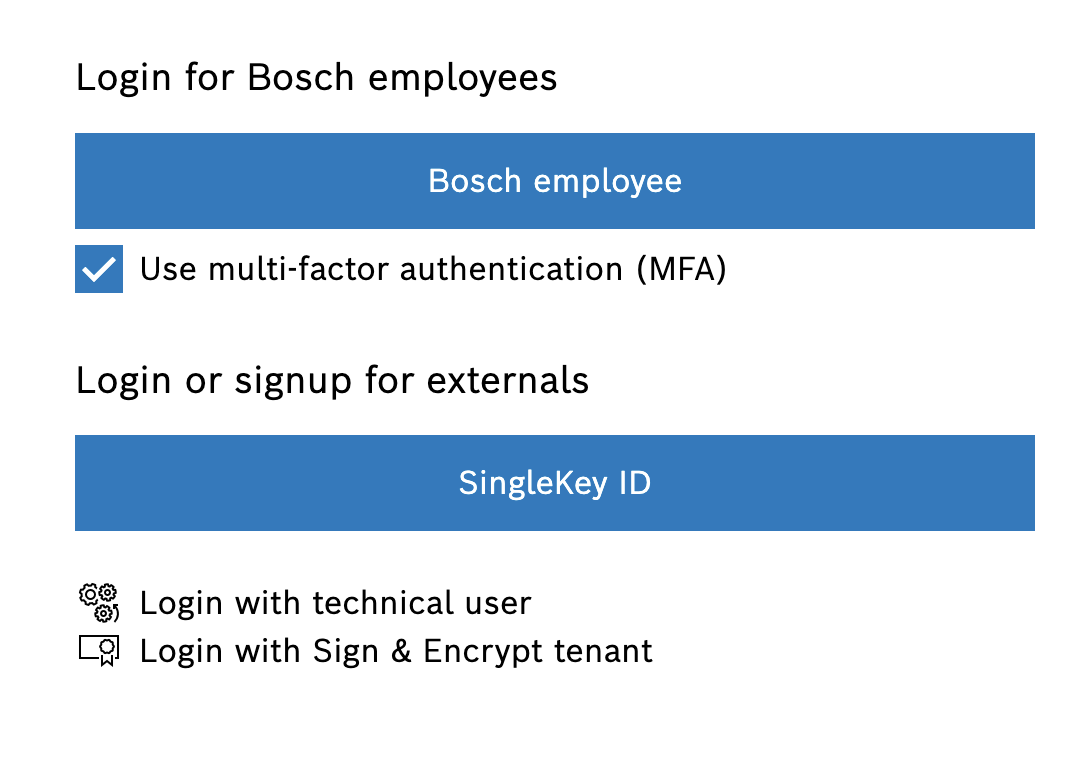
Bosch Employee Login
For Bosch employees, use the Bosch Employee login method:
- Open the login page for your region (EU or US).
- Select the "Bosch Employee" login option.
- Enter your Bosch employee credentials.
SingleKey ID Login
For users with a SingleKey ID, follow these steps:
- Open the login page for your region (EU or US).
- Select the "SingleKey ID" login option.
- Enter your SingleKey ID credentials.
Note: If you do not have a SingleKey ID, please create one on the Official SingleKey ID website. When doing so, make sure to use the same email address that you are registered with for your Bosch IoT Rollouts tenant.
Technical User Login
For technical users using a username and password:
- Open the login page for your region (EU or US).
- Select the "Login with technical user" option.
- Enter your username and password.
Sign & Encrypt Tenant Login
Sign & Encrypt is now part of the Bosch IoT Rollouts Console. Use this login to access your signing and encryption features in the context of the Rollouts tenant your Sign & Encrypt tenant is bound to.
- Log in with your Bosch employee credentials.
- Enter your Sign & Encrypt Tenant ID.
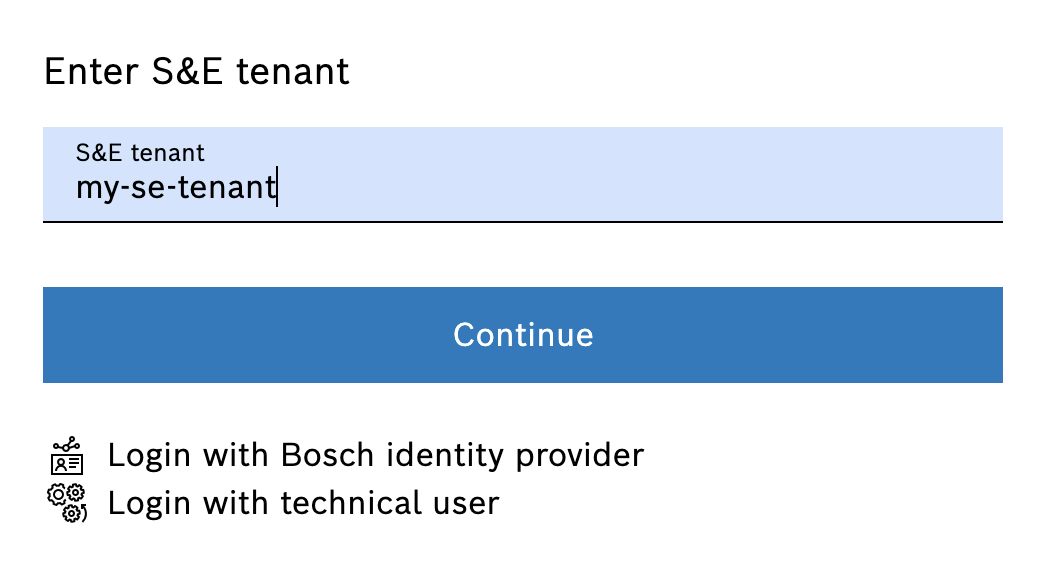
You are logged in the context of the Rollouts tenant your Sign & Encrypt tenant is bound to.
Note: If your Sign & Encrypt tenant is bound to multiple Rollouts tenants and you have permissions for more than one of them, the console shows you a list of those tenants and lets you select which one to use.
Troubleshooting Login Issue
If you encounter any issues while logging in, try the following steps:
- Ensure you are using the correct URL for your region.
- Double-check your username and password.
- Clear your browser cache and cookies.
- Try using a different web browser.
If the issue persists, contact support for further assistance.